
How to Install TeamViewer on Linux System without GUI
How to install TeamViewer on Linux system without GUI

To install TeamViewer on a Linux system (without a graphical user interface), download the installation file of the TeamViewer full version for Linux either directly on the Linux system via a link or by calling it from a USB stick. The installation for both use cases is described below. Note: The installation of TeamViewer on … Read more
Step By Step install Redhat Linux on Vmware Workstation

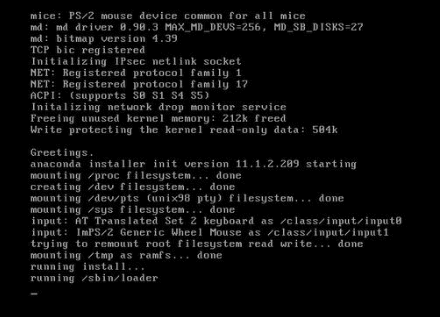
Step By Step install Redhat Linux 5.5 on vmware workstation

In this article, we will learn Step By Step to install Redhat Linux on a Vmware workstation. First, let’s look at the system’s hardware capabilities to Install Redhat Linux. System Requirement: CPU Type – Pentium 4 or higher, 2 GHz or higher. Memory/RAM – 1 GB minimum. Hard Disk – 4 GB minimum. Red Hat Linux … Read more

How to Install Ubuntu Linux On VMware Workstation

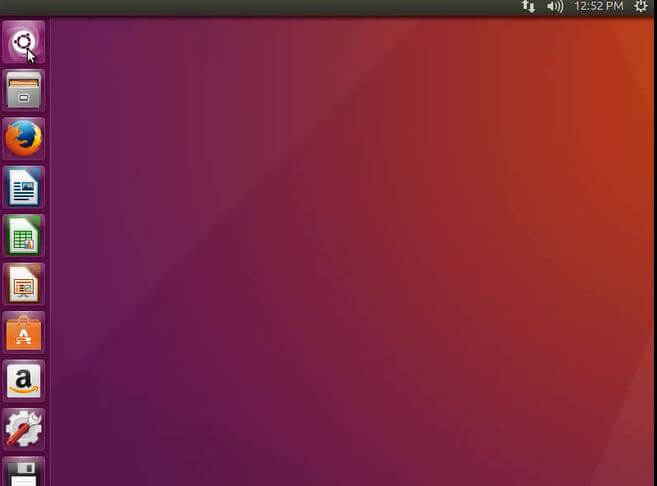
How to Install Ubuntu 16.04.1 LTS On VMware Workstation

Today, I’m going to show you, step by step Install Ubuntu on a virtual machine. The system requires the installation of a 700 MHz processor (about Intel Celeron or better), 512 MB RAM (system memory), and 5 GB of hard-drive space. Download Ubuntu Desktop Image: First of all, we’ve to download the Ubuntu ISO image. … Read more