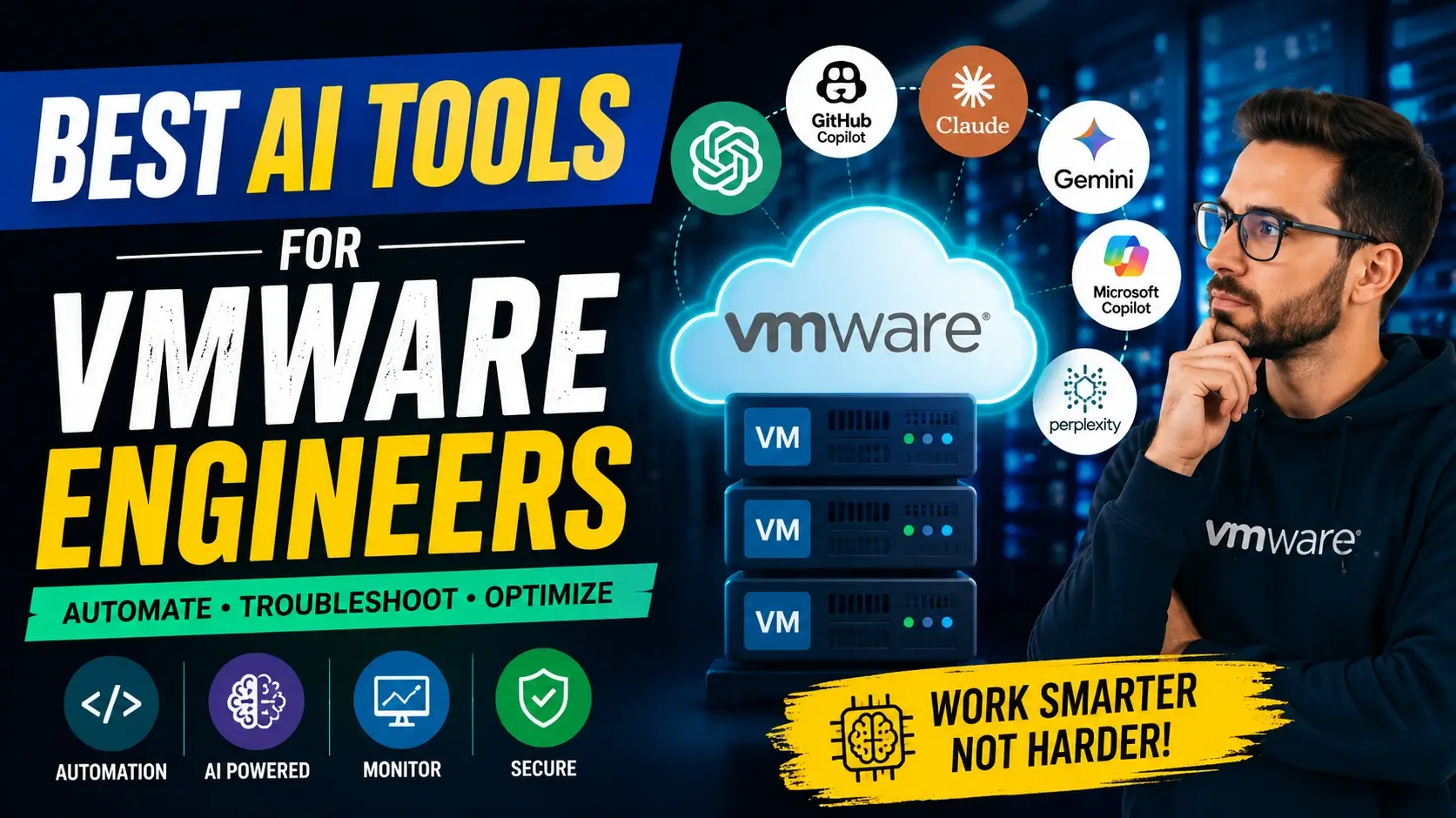
Virtualization environments have grown exponentially in complexity as modern enterprises expand across private clouds, hybrid infrastructures, and multi-cloud architectures. VMware administrators and system architects are continually challenged to maintain uptime, enforce strict security standards, automate routine maintenance, and resolve critical incidents swiftly. As daily operational burdens increase, leveraging the Best AI Tools for VMware Engineers has shifted from a novel advantage to an essential operational strategy.
The Best AI Tools for VMware Engineers act as intelligent assistants, helping infrastructure teams streamline PowerCLI scripting, analyze complex vSphere logs, generate technical architecture documentation, and optimize overall cloud operations. Rather than replacing human oversight, artificial intelligence empowers VMware professionals to eliminate tedious manual overhead and focus on high-impact infrastructure engineering.
In this comprehensive guide, we examine the top artificial intelligence solutions transforming enterprise virtualization, explore key criteria for evaluating these tools, review real-world administration use cases, and outline essential safety practices.
Why Modern Infrastructure Teams Need AI Tools
Enterprise IT environments require continuous monitoring, regular maintenance, and swift troubleshooting. VMware administrators routinely spend hours parsing ESXi host logs, writing customized PowerShell or PowerCLI automation scripts, and consulting technical documentation to diagnose complex issues. Implementing the Best AI Tools for VMware Engineers accelerates these workflows by providing instant recommendations, syntax assistance, and rapid diagnostic insights.
Key Operational Benefits of AI in VMware Environments:
Accelerated Automation: Rapidly generate and refine VMware PowerCLI, Python, Bash, and REST API code.
Faster Root-Cause Analysis: Interpret complex error codes and parse dense vCenter and ESXi log outputs.
Streamlined Documentation: Instantly draft Standard Operating Procedures (SOPs), Disaster Recovery (DR) runbooks, and upgrade checklists.
Accelerated Skill Acquisition: Quickly understand emerging VMware products, containerization (Tanzu), and micro-segmentation (NSX).
Enhanced Certification Prep: Create tailored revision notes, sample questions, and practice scenarios for VCP and VCAP exams.
While AI platforms provide immediate speed and operational guidance, engineers must always validate generated scripts and architectural advice against official vendor documentation before deploying changes to live production environments.
What Defines the Best AI Tools for VMware Engineers?
Not all conversational AI models or code assistants are suited for infrastructure and systems engineering. Evaluating the Best AI Tools for VMware Engineers requires focusing on specific core capabilities necessary for managing enterprise virtualization stacks:
1. Comprehensive VMware Ecosystem Knowledge
A high-performing AI tool must demonstrate deep comprehension of fundamental VMware technologies, including:
vSphere & ESXi: Core compute hypervisor administration and host management.
vCenter Server & vSAN: Centralized management and software-defined storage configurations.
NSX & VMware Cloud Foundation (VCF): Software-defined networking, micro-segmentation, and full-stack private cloud management.
Tanzu: Modern application management and Kubernetes integration.
VMware Aria Suite: Infrastructure visibility, logging, and capacity planning.
2. Multi-Language Automation & Scripting Support
System engineers regularly automate repetitive operational workflows. The Best AI Tools for VMware Engineers must natively handle PowerCLI, PowerShell, Python, JSON, Bash, and Terraform for Infrastructure as Code (IaC) deployments.
3. Log Analysis & Diagnostics
When cluster performance degrades or host services crash, AI capabilities should aid in identifying log anomalies, pointing out probable root causes, and providing step-by-step diagnostic checklists.
4. Technical Documentation Capabilities
Maintaining accurate infrastructure runbooks is essential for audit compliance and disaster recovery. Top AI assistants simplify the generation of migration blueprints, system change logs, and architecture overview diagrams.
Detailed Breakdown: Best AI Tools for VMware Engineers in 2026
Below is a detailed breakdown of the primary artificial intelligence solutions used by enterprise virtualization professionals today.
+-------------------+---------------------------------------+--------------------+
| AI Platform       | Primary Strength                      | VMware Fit         |
+-------------------+---------------------------------------+--------------------+
| ChatGPT           | Multi-purpose scripting & docs        | Excellent (5/5)    |
| GitHub Copilot    | IDE inline PowerCLI autocompletion    | High (4/5)         |
| Claude AI         | Long-context document analysis        | High (4/5)         |
| Microsoft Copilot | M365 integration & PowerShell workflows| High (4/5)         |
| Google Gemini     | Architecture research & multi-cloud   | High (4/5)         |
| Perplexity AI     | Research with cited technical web sources | High (4/5)         |
| VMware Aria       | Native enterprise monitoring & AIOps  | Superior (5/5)     |
+-------------------+---------------------------------------+--------------------+
1. ChatGPT
ChatGPT remains a foundational choice among the Best AI Tools for VMware Engineers due to its general-purpose versatility across scripting, technical writing, and problem-solving.
Key Strengths: Exceptional understanding of complex operational prompts, natural language scripting generation in PowerCLI and Python, and broad technical troubleshooting capabilities.
Best VMware Use Cases: Generating customized PowerCLI scripts for bulk VM deployment, drafting disaster recovery documentation, and summarizing technical knowledge base articles.
Limitations: Suggestions must be tested in a isolated sandbox environment to guard against outdated syntax or hallucinated parameters.
2. GitHub Copilot
For infrastructure engineers focused primarily on automation, Infrastructure as Code, and continuous integration, GitHub Copilot provides integrated real-time code assistance directly within code editors such as VS Code.
Key Strengths: Context-aware code completion, instant syntax prediction, and error reduction during script creation.
Best VMware Use Cases: Autocompleting complex PowerCLI functions, building Terraform templates for vSphere, and developing custom Python scripts using pyVmomi.
Limitations: Less suited for broad technical research or generating narrative infrastructure documentation compared to conversational platforms.
3. Claude AI
Claude AI excels at processing large contextual windows, making it ideal for VMware engineers who must navigate extensive technical manuals, security hardening guides, or architecture blueprints.
Key Strengths: Advanced comprehension of massive text inputs, structured document generation, and clear architectural explanations.
Best VMware Use Cases: Summarizing VMware Cloud Foundation whitepapers, converting legacy migration documentation into updated Standard Operating Procedures (SOPs), and reviewing compliance frameworks.
Limitations: Lacks real-time live web indexing unless supplemented with external research tools.
4. Microsoft Copilot
In environments running hybrid setups paired with Microsoft 365, Microsoft Copilot seamlessly bridges administrative documentation and system management.
Key Strengths: Direct integration into enterprise productivity software, email drafting, meeting notes summarizing, and PowerShell script creation.
Best VMware Use Cases: Drafting operational change request tickets, generating executive summaries of infrastructure maintenance, and structuring team workflow documentation.
Limitations: Highly tied to the Microsoft enterprise ecosystem.
5. Google Gemini
Google Gemini is highly effective for research, multi-cloud architecture comparisons, and modern application stack integration.
Key Strengths: Advanced reasoning capabilities, deep research functions, and seamless integration with cloud infrastructure paradigms.
Best VMware Use Cases: Comparing VMware Cloud Foundation deployments with public cloud options, learning VMware Tanzu and Kubernetes concepts, and reviewing hybrid networking models.
Limitations: Rapid product release cycles mean specific configuration flags must be verified against current vendor release notes.
6. Perplexity AI
Perplexity AI operates as an intelligent research engine that provides real-time web citations alongside concise answers.
Key Strengths: Direct attribution to online documentation, accurate source verification, and fast technical inquiry responses.
Best VMware Use Cases: Locating official Knowledge Base (KB) articles for specific vSphere error codes, finding patch notes for ESXi releases, and tracking Broadcom product updates.
Limitations: Always verify that returned citations link directly to trusted official vendor channels.
7. VMware Aria Suite & VCF Private AI
While generative AI chatbots assist with coding and research, dedicated enterprise AIOps platforms like VMware Aria deliver real-time operational intelligence, log analytics, and capacity planning for enterprise clouds. Additionally, modern VMware Cloud Foundation (VCF) Private AI Services allow enterprises to safely host and run private LLM workloads directly on secure vSphere infrastructure without risking data leakage.
Key Strengths: Automated root-cause analysis, capacity forecasting, native log management, and private AI deployment governance.
Best VMware Use Cases: Real-time cluster health monitoring, automated remediation, proactive resource management, and secure private LLM deployment.
Real-World Engineering Use Cases
Applying the Best AI Tools for VMware Engineers to day-to-day operations leads to measurable efficiency gains across several key domains:
+-------------------------------+----------------------------------------------------+
| Operational Domain            | Real-World AI Application                          |
+-------------------------------+----------------------------------------------------+
| PowerCLI Automation           | Rapid script generation for snapshot cleanups & VMs|
| Diagnostic Troubleshooting    | Parsing ESXi dump logs & recommending fixes       |
| Documentation Management      | Drafting SOPs, DR plans, and system build sheets   |
| Certification Preparation     | Generating study guides & practice scenarios       |
| Capacity & Performance Tuning | Analyzing cluster metrics & resource allocations   |
+-------------------------------+----------------------------------------------------+
PowerCLI Script Generation
Writing custom scripts to audit virtual machines, report untagged datastores, or remove aged snapshots can consume valuable engineering hours. By prompting AI tools with precise technical parameters, administrators can obtain ready-to-test PowerCLI scripts within seconds.
Infrastructure Log Diagnostics
When an ESXi host enters a non-responsive state or vCenter experiences database issues, copying relevant log snippets into an AI assistant helps isolate error patterns and direct engineers toward relevant resolution steps.
Disaster Recovery & Build Documentation
System documentation often falls behind in fast-paced IT environments. AI tools assist engineers by taking raw configuration parameters and formatting them into comprehensive Disaster Recovery runbooks or upgrade checklists.
Security Best Practices When Using AI Tools
While identifying the Best AI Tools for VMware Engineers expands operational capacity, responsible usage is mandatory to protect enterprise security and confidentiality.
Essential AI Security Principles:
Redact Sensitive Information: Never paste internal IP addresses, active hostnames, domain admin credentials, SSH keys, or proprietary network topologies into public AI prompts.
Sandbox Testing: Always review, audit, and execute AI-generated scripts in a non-production lab prior to production execution.
Cross-Reference Vendor Docs: Treat AI outputs as educated recommendations; always cross-reference syntax and flags with official vendor documentation.
Adhere to Governance Policies: Ensure that artificial intelligence usage aligns with organizational data privacy regulations and internal corporate IT policies.
The virtualization landscape continues to advance, demanding higher speed, efficiency, and scale from IT professionals. Integrating the Best AI Tools for VMware Engineers into daily workflows empowers administrators, architects, and automation engineers to eliminate repetitive operational overhead, write code faster, accelerate troubleshooting, and generate clear technical documentation.
By combining the speed and versatility of generative AI tools like ChatGPT, GitHub Copilot, Claude, and Perplexity with native management platforms like VMware Aria and VCF Private AI Services, infrastructure teams can elevate operational standards while maintaining total environment security.
Frequently Asked Questions (FAQs)
What are the Best AI Tools for VMware Engineers?
The Best AI Tools for VMware Engineers include ChatGPT for general administrative automation and scripting, GitHub Copilot for inline PowerCLI development, Claude AI for analyzing extensive architecture documentation, Perplexity AI for cited technical research, and VMware Aria for native operational monitoring and AIOps.
How do the Best AI Tools for VMware Engineers assist with PowerCLI scripting?
The Best AI Tools for VMware Engineers help by auto-generating code snippets, identifying syntax errors, predicting functions, and converting procedural manual tasks into automated PowerShell and PowerCLI scripts.
Can the Best AI Tools for VMware Engineers replace human system administrators?
No. While the Best AI Tools for VMware Engineers significantly accelerate daily tasks and reduce operational friction, human expertise remains essential for validating recommendations, evaluating architectural risk, and managing production environments securely.
Are the Best AI Tools for VMware Engineers safe to use with sensitive production logs?
Public AI tools should only be used after redacting sensitive infrastructure data such as IP addresses, passphrases, hostnames, and customer information. Alternatively, organizations can leverage solutions like VMware Cloud Foundation Private AI Services to run enterprise AI models locally within private datacenters.
Also Read…
- Mastering Linux Management with Advanced ChatGPT Prompts: A Comprehensive Administrator’s Guide
- How to Auto Execute Commands and Scripts at Reboot or Startup on Linux
- How to Use Cron Jobs in Linux for Easy Automation
- Top 10 Linux Distros For Beginners
- Genie 3: Google DeepMind’s Breakthrough in Interactive AI World Models