How To Configure Hikvision CCTV IP Camera For NVR

How To Configure Hikvision CCTV IP Camera For NVR
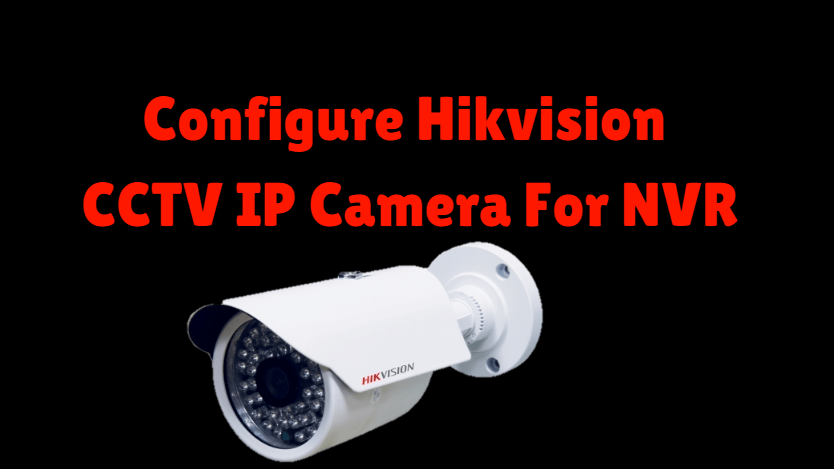
Today we will learn ‘how to Configure Hikvision CCTV IP Camera For NVR?. In the previous article, we have learned that ‘Configure Hikvision CCTV Camera On Mobile.’ Step By Step Configure Hikvision CCTV IP Camera For NVR: To configure the Hikvision CCTV IP Camera, first of all, to set the default IP of the camera … Read more

How To Allow Internet Access With MAC Address In Cyberoam Firewall

How To Allow Internet Access With MAC Address In Cyberoam Firewall

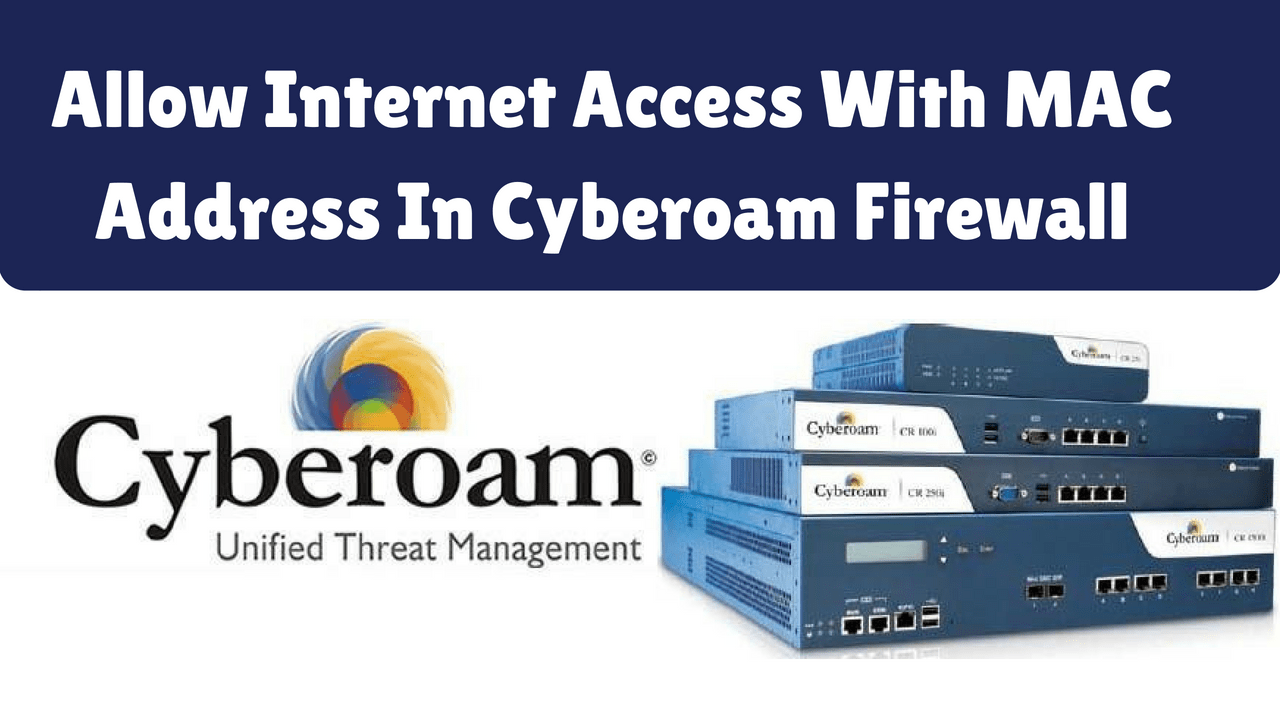
Today we will learn how to allow internet access with mac address in Cyberoam Firewall’. You can give full Internet access to a particular user’s system or mobile with a Mac address. Follow Step To Allow Internet Access With MAC Address: To get full internet access, first, log into Cyberoam by using the username and password. … Read more

How To Block YouTube In Cyberoam Firewall

How To Block YouTube In Cyberoam Firewall

In the last article we learned, ‘How To Block Websites in Cyberoam Firewall‘, you can not use the ‘Web Filter’ policy to block YouTube, for that you have to use the ‘Application Filter‘ policy. Web filter policy does not block ‘YouTube’ because it is based on an application (HTTPS). Today we will learn how to … Read more

How To Block Websites in Cyberoam Firewall

How To Block Websites in Cyberoam Firewall

Today we will see how to block websites in Cyberoam Firewall. Nowadays firewall rules and policies are created in all offices. Various Web Filter categories are added for adblocker, website blocker, and block site. A firewall is a network security system. Firewall denies unauthorized or unwanted access. The firewall works in both hardware and software. … Read more

How To Set Logon Hours For Users In Active Directory – Windows Server 2016

How To Set Logon Hours For Users In Active Directory - Windows Server 2016

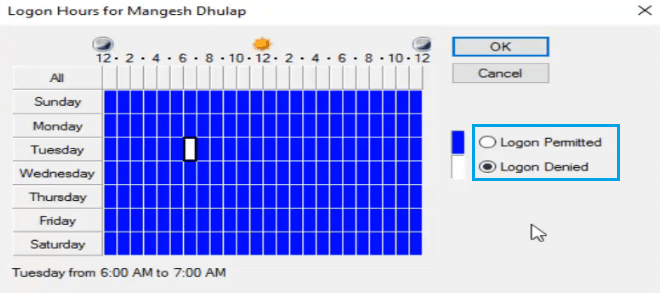
In the previous article, you see ‘Restrict Logon to Specific Computer in Active Directory’. Today we will see ‘How To set login Hours For Users In Active Directory?’ Set user login hours policy in a domain network. Because of this policy, the computer can log in only within the logon hours set by the user. … Read more

Restrict Logon to Specific Computer In Active Directory – Windows Server 2016

Restrict Logon to Specific Computer In Active Directory – Windows Server 2016

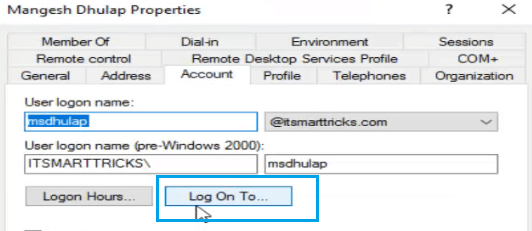
Today we will see that ‘Restrict Logon to Specific Computer in Active Directory’. In this, the user can log in to the same computer which has its hostname set in the Active Directory login. ‘Restrict Login’ This policy is very important in terms of your company. Follow Steps To Restrict Logon to Specific Computer In Active … Read more