
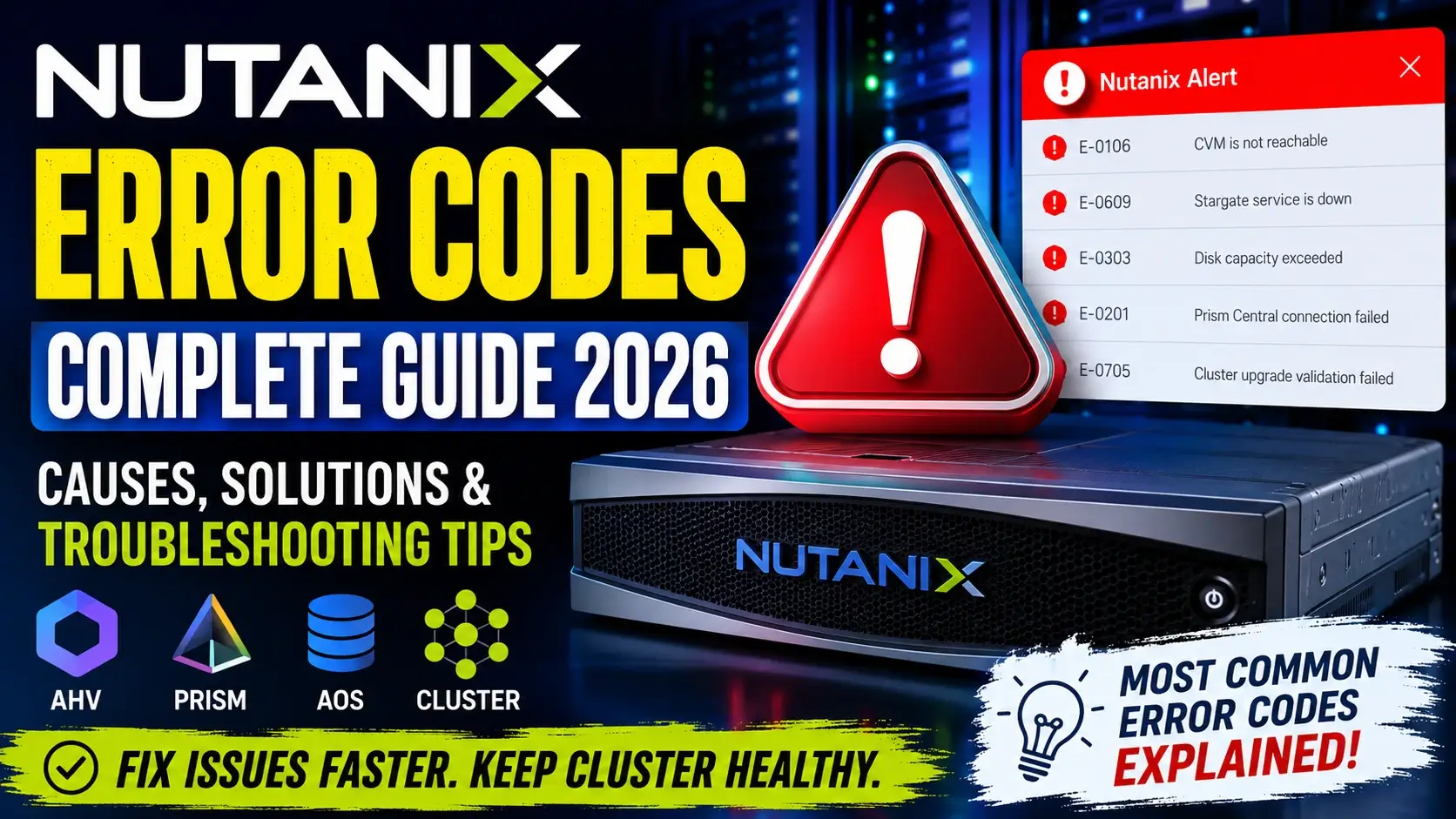
Managing a Nutanix environment is generally straightforward thanks to Prism’s intuitive interface and automated operations. However, every administrator eventually encounters Nutanix Error Codes while performing upgrades, creating virtual machines, expanding clusters, configuring storage, or managing networking.
Understanding what these Nutanix Error Codes actually mean is the difference between solving an issue in minutes versus spending hours searching logs.
This guide explains the most common Nutanix Error Codes, their possible causes, troubleshooting methods, log locations, and best practices using recommendations based on official Nutanix documentation and field experience.
Whether you’re a Nutanix Administrator, VMware Administrator migrating to AHV, Infrastructure Engineer, or Cloud Engineer, this article will help you diagnose problems more efficiently.
Why Understanding Nutanix Error Codes Matters
Most Nutanix Error Code indicate that a backend service has detected a condition preventing an operation from completing successfully.
Rather than focusing only on the displayed error message, experienced administrators always investigate:
- Cluster Health
- CVM Status
- Prism Services
- Metadata Store
- Storage Containers
- Network Connectivity
- Disk Health
- Cluster Capacity
- Stargate Services
- Zeus Services
- Cassandra Database
- Foundation Logs
Understanding the context behind Nutanix Error Code significantly reduces troubleshooting time.
Where Do Nutanix Error Codes Appear?
You may encounter Nutanix Error Codes in multiple places:
Prism Central
- VM creation
- Image upload
- Categories
- Recovery Plans
- Calm Applications
Prism Element
- Cluster Health
- Storage
- Data Resiliency
- Hardware Alerts
NCC (Nutanix Cluster Check)
NCC reports often include warning or failure messages before administrators even notice production issues.
Foundation
Deployment failures frequently generate installation-related Nutanix Error Code.
Upgrade Process
LCM and AOS upgrades commonly display validation errors before installation begins.
Common Categories of Nutanix Error Codes
Although Nutanix has thousands of internal errors, they generally fall into these categories.
1. Authentication Errors
Common causes:
- Invalid credentials
- Expired passwords
- Active Directory communication failure
- LDAP configuration problems
- Prism Central authentication mismatch
Typical symptoms include:
- Login failure
- API authentication errors
- SSO failures
2. Cluster Communication Errors
These Nutanix Error Codes usually indicate communication issues between:
- CVMs
- AHV Hosts
- Prism Central
- Prism Element
Possible causes:
- DNS issues
- Network interruption
- Firewall blocking ports
- MTU mismatch
- Time synchronization problems
3. Storage Error Codes
Storage-related Nutanix Error Codes are among the most common.
Possible reasons include:
- Container full
- Disk failure
- Metadata corruption
- Storage pool unavailable
- Stargate service issues
- Data resiliency warnings
Symptoms:
- VM power-on failure
- Snapshot failure
- Clone operation failure
- Restore failure
4. Virtual Machine Errors
VM-related Nutanix Error Codes often occur during:
- VM creation
- Migration
- Live Migration
- Snapshot
- Restore
- Import
- Export
Possible causes:
- Missing image
- Storage unavailable
- Host maintenance
- Resource exhaustion
5. Network Error Codes
Networking problems frequently generate Nutanix Error Codes during deployment.
Common issues include:
- VLAN mismatch
- Bond failure
- Open vSwitch problems
- Incorrect IP configuration
- Gateway unreachable
6. Upgrade Error Codes
Upgrade validation may fail because of:
- Insufficient capacity
- Failed pre-checks
- Unsupported versions
- CVM health issues
- NCC failures
These Nutanix Error Codes should always be resolved before proceeding with upgrades.
How to Troubleshoot Nutanix Error Codes
Follow a structured troubleshooting approach instead of jumping directly into log files.
Step 1: Read the Complete Error
Never rely only on the popup window.
Look for:
- Error ID
- Task UUID
- Operation
- Service Name
Step 2: Check Cluster Health
In Prism:
Health → Alerts
Look for:
- Critical Alerts
- Warning Alerts
- Data Resiliency
- Disk Health
- Node Health
Step 3: Verify CVM Status
Run:
cluster statusEnsure:
- Zeus
- Stargate
- Cassandra
- Curator
- Prism
- Genesis
are all running.
Step 4: Review Recent Events
Prism Events often provide additional details behind Nutanix Error Codes.
Pay attention to:
- Node reboot
- Disk replacement
- Metadata repair
- Replication
- Snapshot tasks
Step 5: Examine Log Files
Useful locations include:
/home/nutanix/data/logs/Common logs:
- prism_gateway.log
- stargate.INFO
- cassandra.log
- genesis.out
- curator.INFO
Step 6: Run NCC
NCC identifies numerous hidden problems.
Examples include:
- Network validation
- Storage validation
- Cluster consistency
- CVM communication
- DNS configuration
Frequently Encountered Nutanix Error Codes Scenarios
VM Cannot Power On
Possible causes:
- Storage unavailable
- AHV host issue
- Image corruption
- Cluster resources exhausted
Recommended actions:
- Verify storage container
- Check host resources
- Review Prism tasks
Image Upload Failed
Possible causes:
- Unsupported image
- Network interruption
- Storage full
- Browser timeout
Snapshot Failed
Possible causes:
- Metadata issue
- Storage capacity
- Replication delay
- Protection Domain issue
Cluster Expansion Failed
Possible causes:
- Foundation mismatch
- Firmware incompatibility
- Network configuration
- DNS failure
LCM Upgrade Failed
Possible causes:
- Failed pre-check
- Component incompatibility
- Firmware dependency
- Repository communication issue
Best Practices to Prevent Nutanix Error Codes
Reducing Nutanix Error Codes starts with proactive cluster management.
Recommended practices include:
- Keep AOS updated with supported releases.
- Run NCC health checks regularly.
- Resolve alerts before scheduled maintenance.
- Monitor storage capacity and data resiliency.
- Maintain accurate DNS and NTP configuration.
- Validate firmware compatibility before upgrades.
- Perform backups before major cluster changes.
- Review upgrade pre-check results carefully.
- Document recurring issues and resolutions.
- Monitor Prism Central and Prism Element health dashboards daily.
Log Files Every Nutanix Administrator Should Know
| Service | Common Log |
|---|---|
| Prism | prism_gateway.log |
| Stargate | stargate.INFO |
| Cassandra | cassandra.log |
| Curator | curator.INFO |
| Genesis | genesis.out |
| Zeus | zeus.out |
| NCC | ncc.log |
Knowing where to look greatly accelerates the resolution of Nutanix Error Codes.
When Should You Contact Nutanix Support?
Open a support case if:
- The same Nutanix Error Codes continue after recommended troubleshooting.
- Multiple cluster services repeatedly stop.
- Metadata corruption is suspected.
- Cluster becomes unavailable.
- CVMs fail to start.
- Data resiliency cannot be restored.
- Upgrade rollback occurs unexpectedly.
- Hardware diagnostics indicate component failures.
Before contacting support, collect:
- NCC output
- Cluster logs
- Task UUID
- AOS version
- Prism version
- Hypervisor version
- Error screenshots
Providing this information helps accelerate diagnosis.
Frequently Asked Questions (FAQs)
What are Nutanix Error Codes?
Nutanix Error Codes are messages generated by Nutanix services such as Prism, AOS, AHV, Foundation, or LCM to indicate failures, warnings, or validation issues during cluster operations.
Where can I find Nutanix Error Codes?
You can find Nutanix Error Codes in:
- Prism Element
- Prism Central
- NCC reports
- Task History
- CVM log files
- Foundation logs
- Upgrade validation reports
Are Nutanix Error Codes always critical?
No. Many Nutanix Error Codes are informational or warning messages. Administrators should evaluate the severity, associated alerts, and operational impact before taking action.
How do I troubleshoot Nutanix Error Codes?
Start by reviewing the full error details, checking cluster health, verifying CVM services, examining relevant log files, running NCC, and consulting official Nutanix documentation for the specific operation.
Can outdated software cause Nutanix Error Codes?
Yes. Unsupported or outdated AOS, Prism Central, firmware, or hypervisor versions can lead to compatibility issues and generate Nutanix Error Codes, especially during upgrades or feature usage.
Understanding Nutanix Error Codes is an essential skill for every Nutanix administrator. While many errors appear intimidating at first, most can be resolved by following a structured troubleshooting process—checking cluster health, validating services, reviewing logs, and using NCC before making configuration changes.
Keeping your environment healthy through proactive monitoring, timely updates, and adherence to Nutanix best practices not only minimizes Nutanix Error Codes but also improves overall cluster stability, performance, and reliability. When issues persist, official Nutanix documentation and Support remain the most reliable sources for accurate, version-specific guidance.
Also Read…
- Why Companies Are Moving from VMware to Nutanix in 2026
- PowerShell Prompts: The Ultimate Guide to Customizing and Automating Your Terminal
- Best AI Tools for VMware Engineers: Top Picks for 2026
- Mastering Linux Management with Advanced ChatGPT Prompts: A Comprehensive Administrator’s Guide
- How to Auto Execute Commands and Scripts at Reboot or Startup on Linux
- How to Use Cron Jobs in Linux for Easy Automation
- Top 10 Linux Distros For Beginners
- Genie 3: Google DeepMind’s Breakthrough in Interactive AI World Models